
Volvo XC90 2015-2026 Owners Manual / Media player / Certificate for wireless charger
Volvo XC90: Media player / Certificate for wireless charger
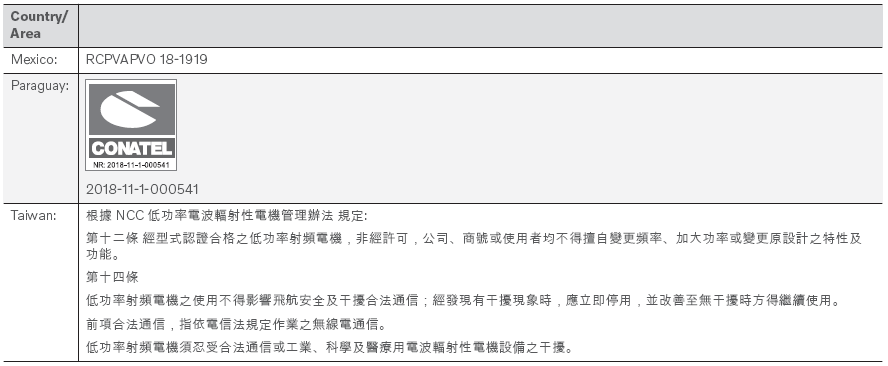
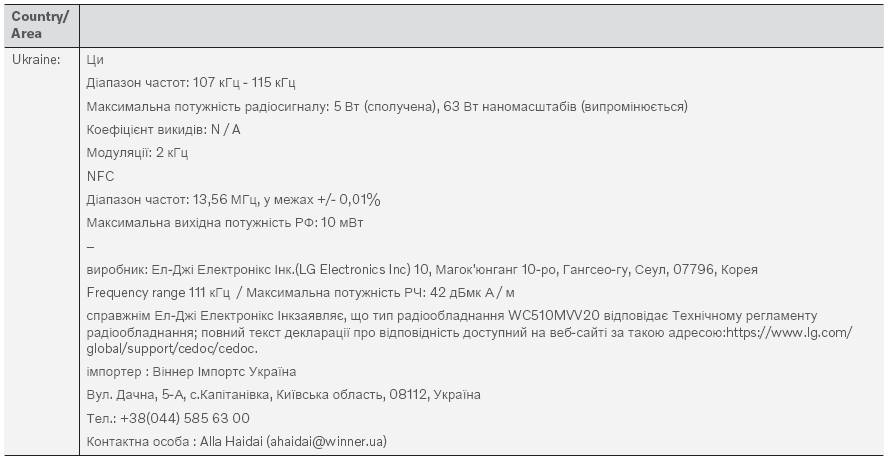
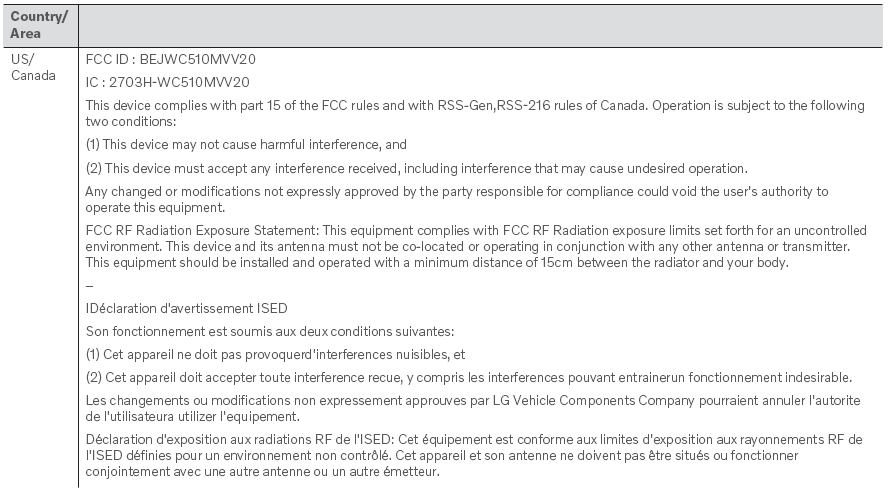

 Wireless phone charger
A charging pad for wireless phone charging is located in the tunnel console.
To be able to charge, the phone
must have wireless charging (Qi) capability...
 Internet-connected vehicle
When the vehicle is connected to the Internet, it is possible to use web radio
and music services via apps, download software and contact retailers from the vehicle...
Other information:
Volvo XC90 2015-2026 Owners Manual: Limitations of City Safety in crossing traffic
In certain situations, it may be difficult for City Safety to help the driver avoid a collision with crossing traffic. For example: On slippery roads when Electronic Stability Control (ESC) is actively operating. If an approaching vehicle is detected at a late stage...
Volvo XC90 2015-2026 Owners Manual: Support battery
Vehicles with the Start/Stop function are equipped with two batteries – a more powerful 12 V start battery and a support battery that provides stronger current during the function's start sequence. The 12 V support battery is located in a box next to the spring strut in the engine compartment...
- Manuals Home
- 2nd Generation XC90 Owners Manual
- 2nd Generation XC90 Service Manual
- Video
- Leveling control settings
- Eco drive mode
- New on site
- Most important about car
Categories
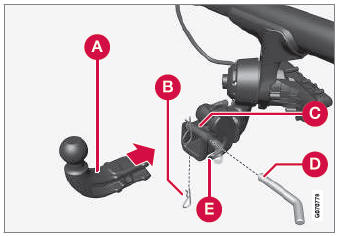
Detachable towbar
(Option/accessory.)
Volvo recommends the use of Volvo towbars that are specially designed for the vehicle.
NOTE
The optional detachable trailer hitch may not be available in all markets or on all models. Consult your Volvo retailer.

Copyright © 2026 www.voxc90.com