
Volvo XC90 2015-2026 Owners Manual / Displays and voice control / Indicator and warning symbols
Volvo XC90: Displays and voice control / Indicator and warning symbols
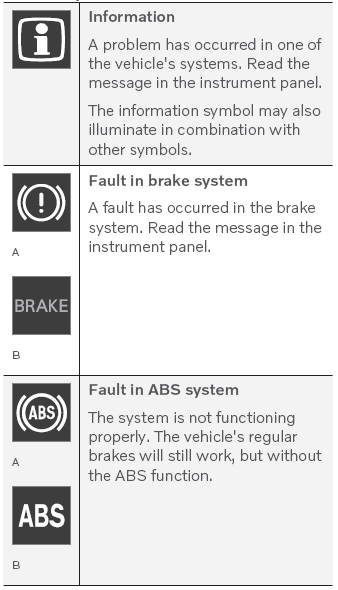
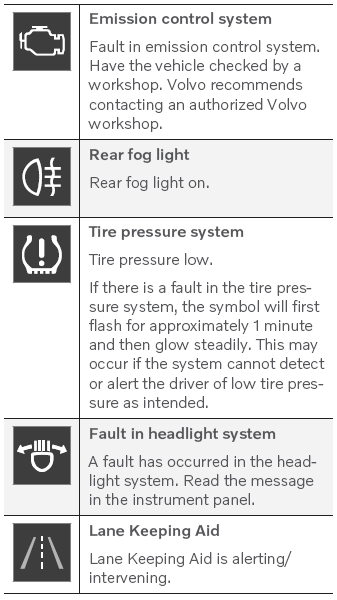
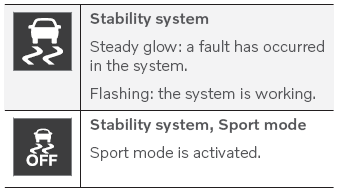
Indicator and warning symbols alert the driver that a function is active, that a symbol is working, or that an error or serious fault has occurred.
Red symbols
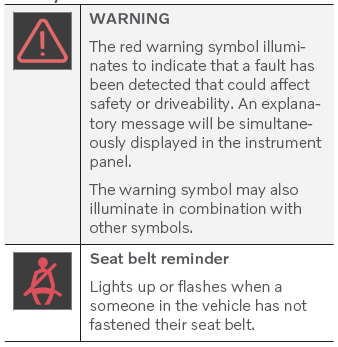
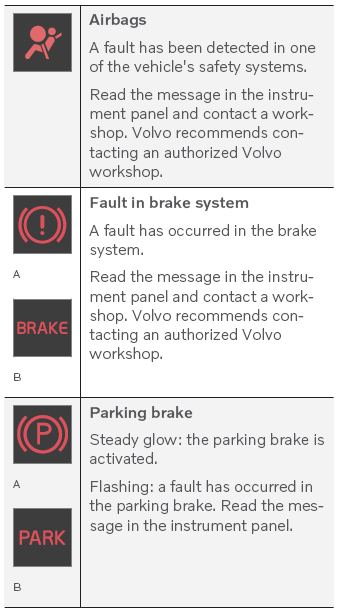
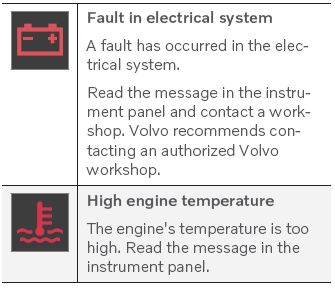
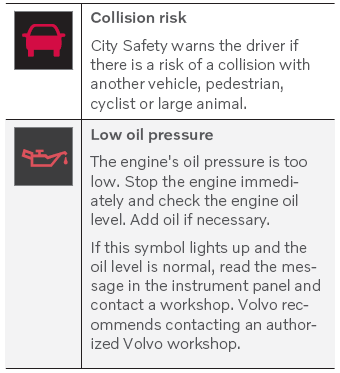
A Canadian models.
B US models.
Amber symbols
Blue symbols
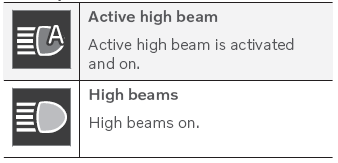
Green symbols
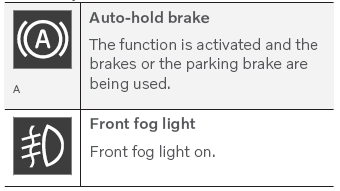
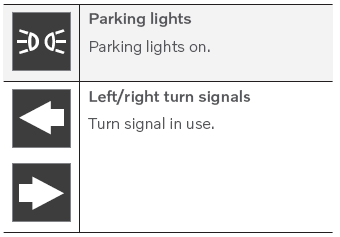
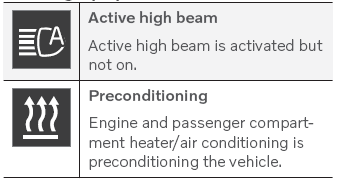
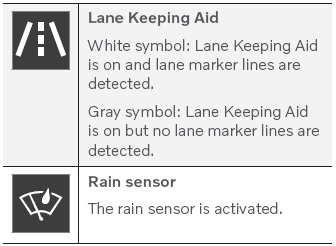
White/gray symbols
 Ambient temperature sensor
The ambient temperature is shown in the instrument panel.
The sensor detects the temperature outside the vehicle.
Location of the ambient temperature sensor in 12"* and 8" instrument
panels...
 Instrument panel licenses
A license is an agreement on the right to conduct a certain activity or the right
to use someone else's right according to terms and conditions specified in the agreement...
Other information:
Volvo XC90 2015-2026 Owners Manual: Pilot Assist * standby mode
(Option/accessory.) (Depending on market, this function can be either standard or optional.) Pilot Assist can be deactivated and put in standby mode. This may happen automatically or be due to driver intervention. Standby mode means that the function is selected in the instrument panel but not activated...
Volvo XC90 2015-2026 Owners Manual: Changing the appearance of the center display. Turning off and adjusting the volume of the center display system sounds
Changing the appearance of the center display The appearance of the center display can be changed by selecting a different theme. Tap Settings in the Top view. Tap My Car Displays Display Themes. Select a theme, e.g. Minimalistic or Chrome Rings...
- Manuals Home
- 2nd Generation XC90 Owners Manual
- 2nd Generation XC90 Service Manual
- Indicator and warning symbols
- Folding the second row backrests
- Connecting the vehicle to the Internet via vehicle modem (SIM card)
- New on site
- Most important about car
Categories
Distance Alert
(Option/accessory.)
The Distance Alert function can help the driver become aware if the time interval to the vehicle in front is too short. The vehicle must be equipped with a head-up display* in order to display Distance Alert.
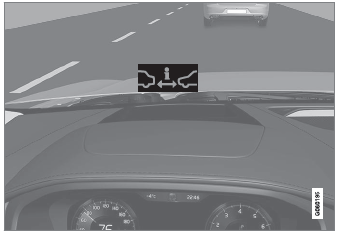
Symbol for Distance Alert on the windshield with head-up display

Copyright © 2026 www.voxc90.com